 Pdf Tools
Extract text from a PDF on your phone to copy it
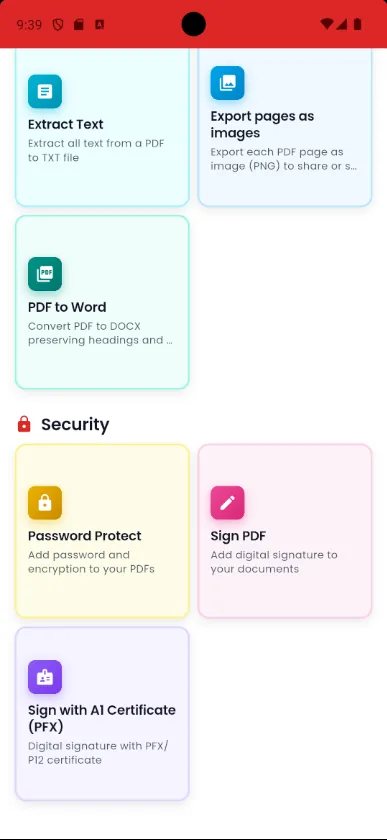
Copying text from a PDF on a phone is often a pain: the selection skips lines and stops at the end of the page. In Pdf Tools, Extract Text shows all of the file's text on one screen, ready to select and copy.
It is handy for pasting a passage into a message, an email or another document without converting the whole file.
When to use it
- You need to paste a paragraph of a contract into a message.
- You want to copy a code, a reference number or an address from the PDF.
- You need the text before you compress the PDF, because afterwards it becomes an image.
How to do it, step by step
- Open Pdf Tools and tap Extract Text, or use the same option in the tools menu of an open PDF.
- Pick the PDF.
- Select the passage you want.
- Copy it and paste it wherever you need.
Why do it with Pdf Tools
- All the text on one screen
- Easy selection on a phone
- No upload and no internet
- Free and ad-free
Phone app vs. PDF website
| Pdf Tools (app) | PDF websites, in general | |
|---|---|---|
| File upload | No: everything happens on the device | The file is uploaded to the site's server |
| Internet | Not needed | Needed for the whole process |
| Ads | None | Varies from site to site |
| Sign-up | Not required | Some require it for extra features |
| Usage limits | No daily limit | Many limit use on the free plan |
The text is shown so you can select and copy it. There is no button to save it as a .txt file. Scanned PDFs have no text: for those, use PDF to image and then OCR: image to text. To get the text into a Word file, use PDF to Word.
Frequently asked questions
How do I copy text from a PDF on my phone?
In Pdf Tools, use Extract Text. All the text appears on one screen, so you just select and copy it.
Can I save the text to a file?
There is no .txt export. Copy the text, or use PDF to Word to create a .docx file.
Does it work with scanned PDFs?
No, because a scanned PDF is just images. Use PDF to image and then OCR: image to text.
Get Pdf Tools for free
No ads, no sign-up and no uploading your files to the internet.
Get it on Google Play